We’re Hiring!
A world of career opportunities awaits at Vacaay.

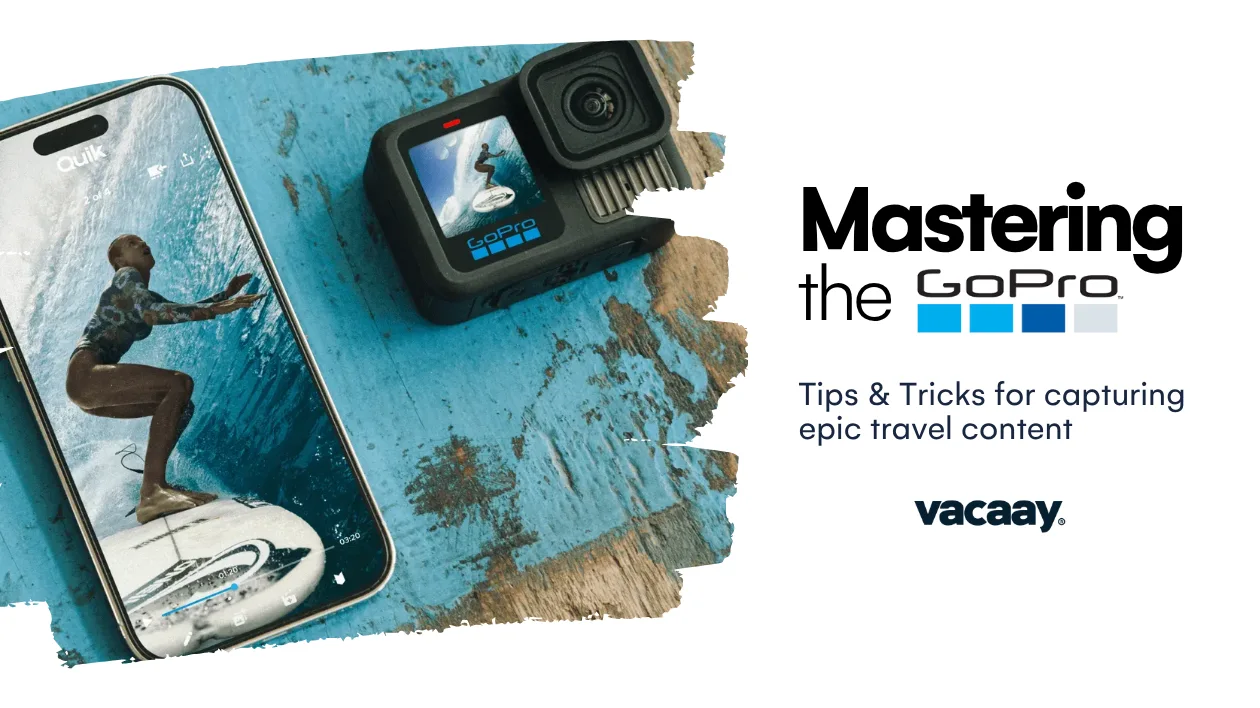
When it comes to creating travel content, few tools are as widely used—or as versatile—as the GoPro. With the HERO11 Black now in the hands of content creators around the world, destination marketers and experience providers have a powerful opportunity: to help guide how that content is captured, ensuring it showcases their location in the best possible light.
Whether you’re working with in-house teams or partnering with influencers, here are the key GoPro features to focus on—and how to get the most from them.
GoPro’s signature stabilisation feature, HyperSmooth 5.0, should be turned on by default when filming active scenes—think hiking trails, ziplining, jet skiing, or even walking through a bustling street market. The result? Smooth, shake-free footage that feels cinematic straight out of the camera. No gimbal required.
While 5.3K at 60fps delivers stunning detail for hero shots, creators often get better mileage from 4K—especially when editing across multiple devices or platforms. If slow-motion is the goal (for water splashes, action moments), 4K at 120fps is the sweet spot. Encourage your team to match settings to the intended use of the footage.
The HERO11 Black’s new 8:7 sensor allows you to frame wider scenes vertically and horizontally—perfect for cropping later into vertical (9:16), square (1:1), or horizontal (16:9) formats. Direct your content team to shoot in this mode when footage needs to be repurposed for Instagram Reels, TikTok, YouTube, and more from a single take.
This feature locks the horizon even when the camera tilts or rotates, which is ideal for action footage shot from moving vehicles, bikes, or watercraft. It ensures a polished, steady feel—without post-production headaches. Brief creators to use Linear + Horizon Lock mode when capturing these types of scenes.
Need a timelapse of the sunrise over your resort or skyline? Use Scheduled Capture to have the GoPro automatically turn on and record at the perfect time. This is especially useful for lean content teams, allowing them to “set and forget” golden-hour shots without needing to wake up early or be present.
GoPros are waterproof down to 10m, but without the right settings, underwater footage can appear overly blue. Direct your team to use a red filter and manual white balance (around 5500K in shallow water) to preserve accurate colours when filming reefs, lagoons, or pools.
GoPro’s Quik app allows content creators to reframe footage from 8:7 to 16:9, trim clips, add royalty-free music, and export in minutes. If your team is producing quick-turnaround content or UGC, encourage them to use Quik for mobile edits and faster delivery of high-quality assets.
High resolutions and frame rates can generate heat, especially in warm climates. To prevent overheating, coach your content teams to film in short bursts, keep the GoPro out of direct sunlight when idle, and carry extra batteries so they can rotate gear between takes.
Whether creators are on a kayak, ski slope, or horseback, voice commands like “GoPro, start recording” or “GoPro, take a photo” can be a game-changer. If your destination experience involves any hands-on or high-motion activity, voice control helps ensure the action is captured without breaking immersion.
Ensure your content teams or influencer partners have access to the right accessories for your environment:
These small additions can dramatically improve what’s possible—and the quality of the final product.
Whether you're working with your in-house videographer or an influencer on a hosted trip, providing a simple, GoPro-focused brief can make all the difference. Include details like:
The more aligned the content creation is with your brand goals, the more usable (and effective) the resulting footage will be.
Want help building content briefs for your next influencer trip or media shoot? We’re here to help.
Discover trends and tips for successful travel marketing.
A world of career opportunities awaits at Vacaay.

Vacaay has officially welcomed over 1 million travellers to our platform!
We've partnered with Skyscanner to seamlessly connect booking intent with live flight data.