
We’re Hiring!
A world of career opportunities awaits at Vacaay.

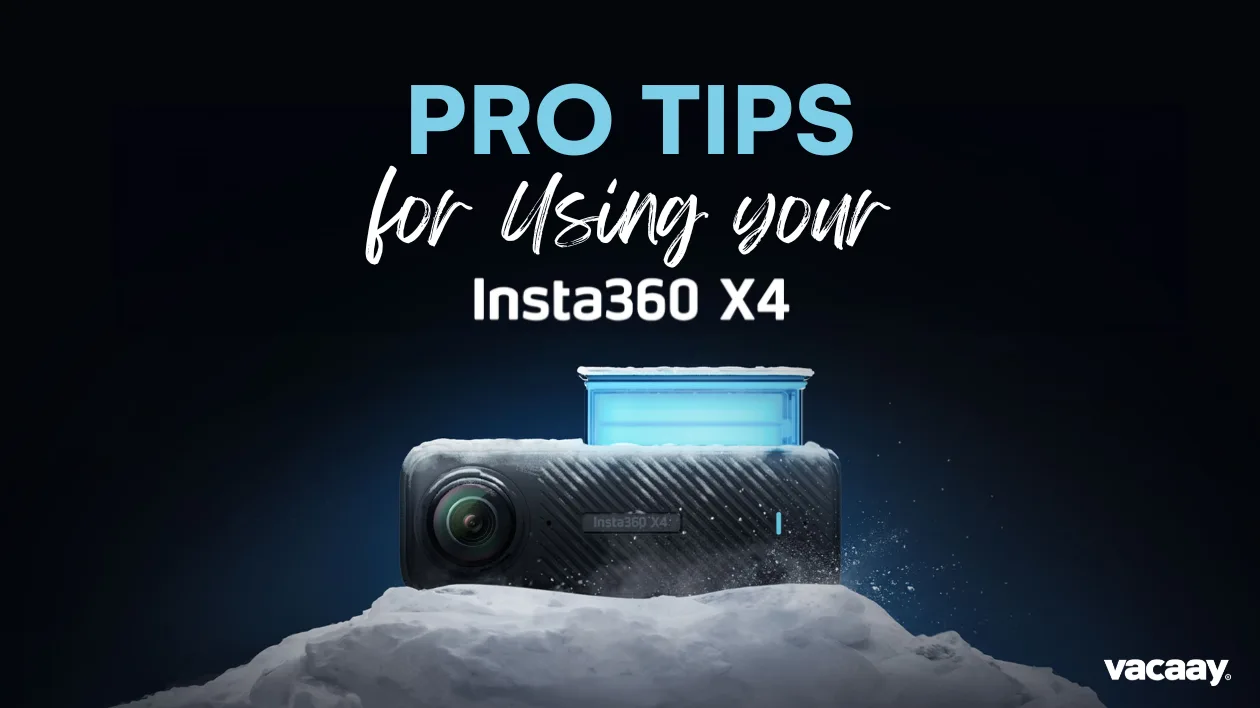
For travel content creators, few tools open up more creative possibilities than a 360 camera—and the newly released Insta360 X4 takes things to a whole new level.
With major improvements over the X3—including 8K 360° video, 5.7K 60fps shooting, better battery life, and an upgraded screen—the X4 is built for professionals. But to get the most out of it, your team (or influencers you’re working with) need to understand how and when to use its features.
Here’s a practical guide to help destination marketers direct their teams and partners toward capturing standout content with the Insta360 X4.
The Insta360 X4’s biggest headline feature is 8K 360 video at 30fps. The resolution bump is significant, delivering sharper, more immersive visuals—especially important when showcasing wide-open spaces, architectural details, or lush natural environments.
That said, 8K creates large file sizes and shorter recording times. Recommend it for hero shots: drone-like or immersive establishing shots of your resort, lookout points, or sweeping beach views.
For more frequent use—especially in action-heavy scenes or walk-throughs—switch to 5.7K at 60fps. It provides smoother motion and greater flexibility for slow motion, all while maintaining excellent visual quality. Perfect for things like walking through a hotel lobby, ziplining, or capturing a festival scene.
One of the Insta360 X4’s biggest creative advantages is reframing: capturing everything around you, then deciding later what the “camera angle” should be.
Encourage your creators to focus on steady movement through a space, then use the Insta360 Studio or mobile app to reframe later—producing wide-angle walkthroughs, vertical Reels, or dynamic pans all from the same clip. It’s a major time-saver, especially when shooting for multi-channel campaigns.
When paired with Insta360’s Invisible Selfie Stick, the X4 creates a “floating camera” effect that mimics drone footage. Have your content team walk, hike, or bike with the stick extended, and the final result will feel cinematic—without any gear overhead or flight permits required.
This works brilliantly for beach walk-throughs, cliffside hikes, or slow scenic strolls through a vineyard or property.
The new 2290mAh battery in the X4 offers a noticeable improvement in runtime—up to 135 minutes when shooting in 5.7K at 30fps—but 360 shooting is still demanding. For full-day shoots, make sure your team is carrying at least two spare batteries and the Quick Reader or a fast SD card for offloading footage efficiently.
The X4 performs better in low light than its predecessor, but settings still matter. In dim conditions (sunset, indoor events, or night scenes), recommend shooting at lower frame rates (30fps instead of 60fps), with ISO manually capped around 1600, and using a flat colour profile for better post-processing control.
Me Mode allows for stabilized, front-facing shots that follow the user while automatically removing the selfie stick. This is ideal for travel influencers who are walking through a destination and want to appear in frame without complex editing.
Tip: Use Me Mode at 4K 30fps or 60fps depending on the desired output speed, and brief influencers to walk slowly and smoothly for best results.
FlowState Stabilisation keeps 360 content rock steady even in fast-moving or bumpy environments. If your destination involves biking, skiing, or water-based activities, make sure this is switched on. It makes all the difference in producing clean, usable footage straight out of the camera.
The X4 comes with removable lens guards, and they should always be used when filming outdoors, during travel, or in dusty or sandy environments. Scratches on the ultra-wide lenses can ruin footage. For hotels and tourism boards lending gear to creators, this should be part of the gear briefing.
Mounting the X4 on a tripod, helmet, or vehicle? Train your team or creators to use voice commands or gesture control (hand wave or peace sign) to start/stop recording without physically touching the camera. It’s especially useful for clean one-person setups or hands-free filming.
A single 360 capture can be reframed for horizontal YouTube, vertical Stories, and square social posts. Encourage creators to plan ahead and think about the final deliverables—then shoot with reframing in mind. This helps ensure you get 3–5x more content per shoot.
The Insta360 X4 isn’t just a creative toy—it’s a strategic tool. When used properly, it can elevate how destinations, hotels, and experiences are presented across every marketing channel. With the right brief and the right techniques, your team or influencer partners can capture content that feels premium, dynamic, and deeply immersive.
Want help building your next content strategy around 360 assets? Let’s chat.
Discover trends and tips for successful travel marketing.
A world of career opportunities awaits at Vacaay.

Vacaay has officially welcomed over 1 million travellers to our platform!
We've partnered with Skyscanner to seamlessly connect booking intent with live flight data.